Your bill buddy
Every bill.
One tap.
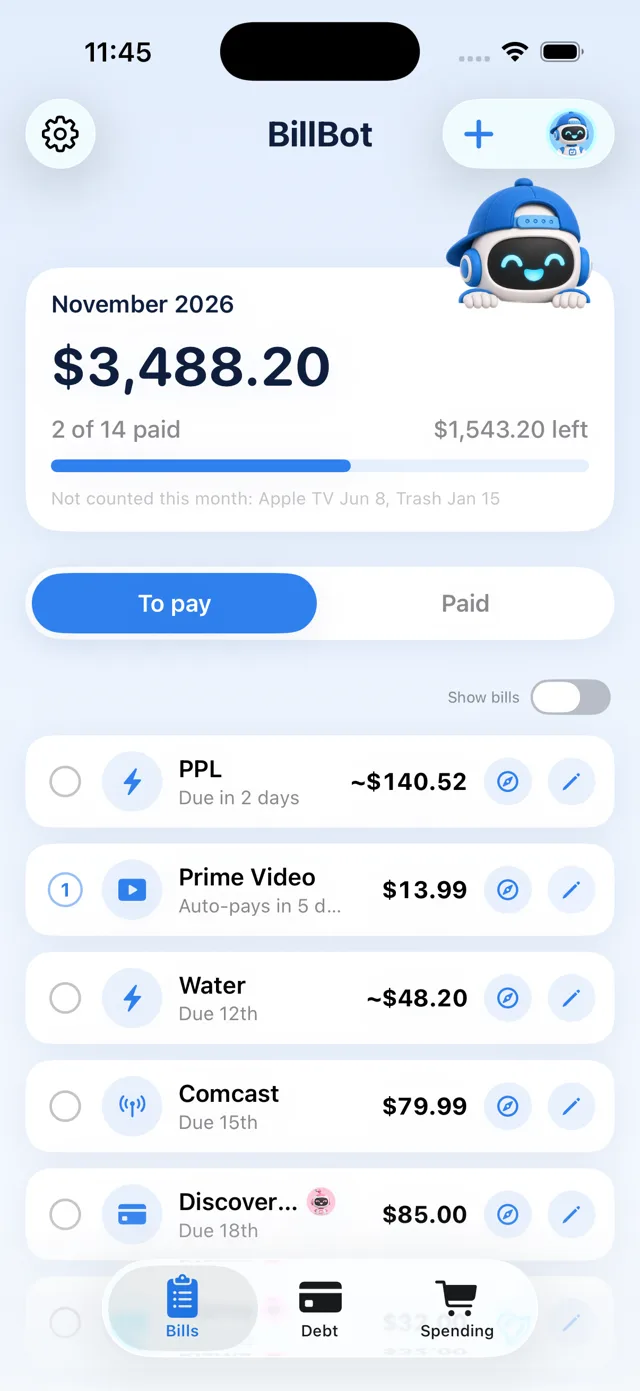
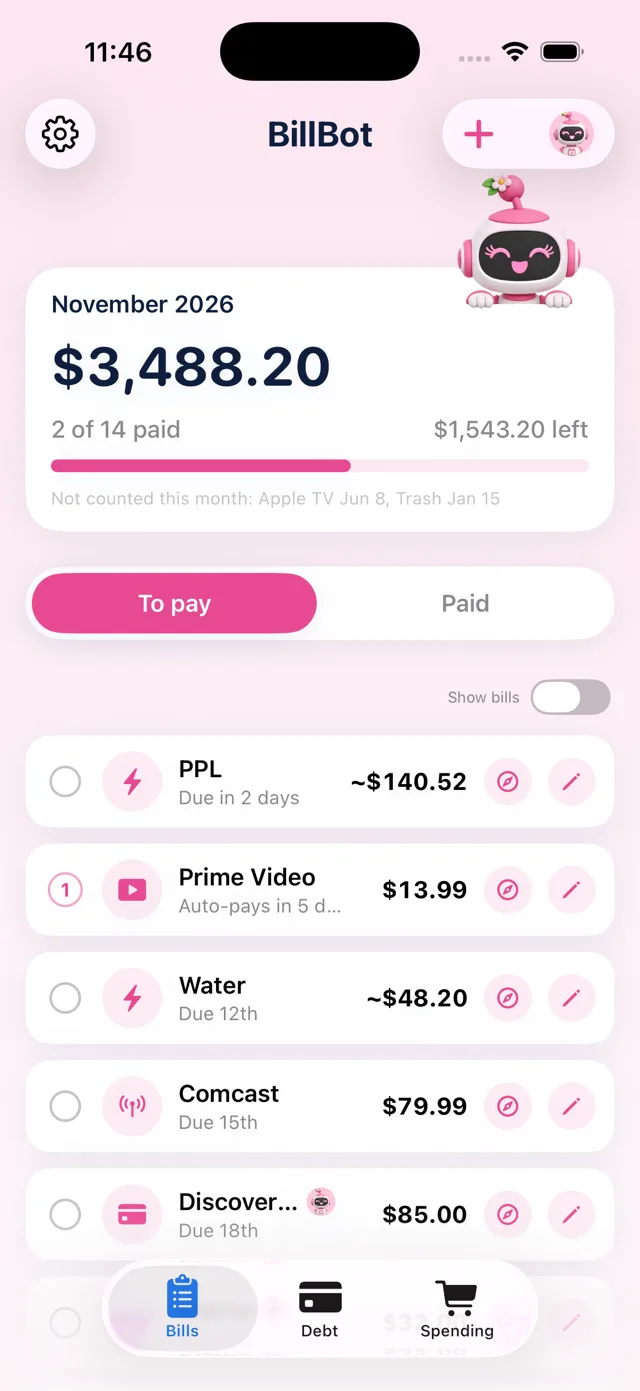
BillBot shows everything you owe this month, opens each biller's pay page in one tap, and nudges you before anything's due. No bank login. No subscription.
- ✓ Free for your first 5 accounts
- ✓ Pay once, keep it forever
- ✓ Never moves your money

How it works
Three steps. About two minutes to set up.
Add your bills
Who you pay, about how much, and the day it's due. Quick add does a bunch at once.
Tap to pay
BillBot opens the biller's own pay page. Face ID fills your login. You press Pay, like always.
Tick it off
It moves to Paid. BillBot reminds you a few days before the next one.

All your bills, one list
Rent, power, phone, subscriptions, cards and loans. See what's left this month at a glance, sorted by due date.

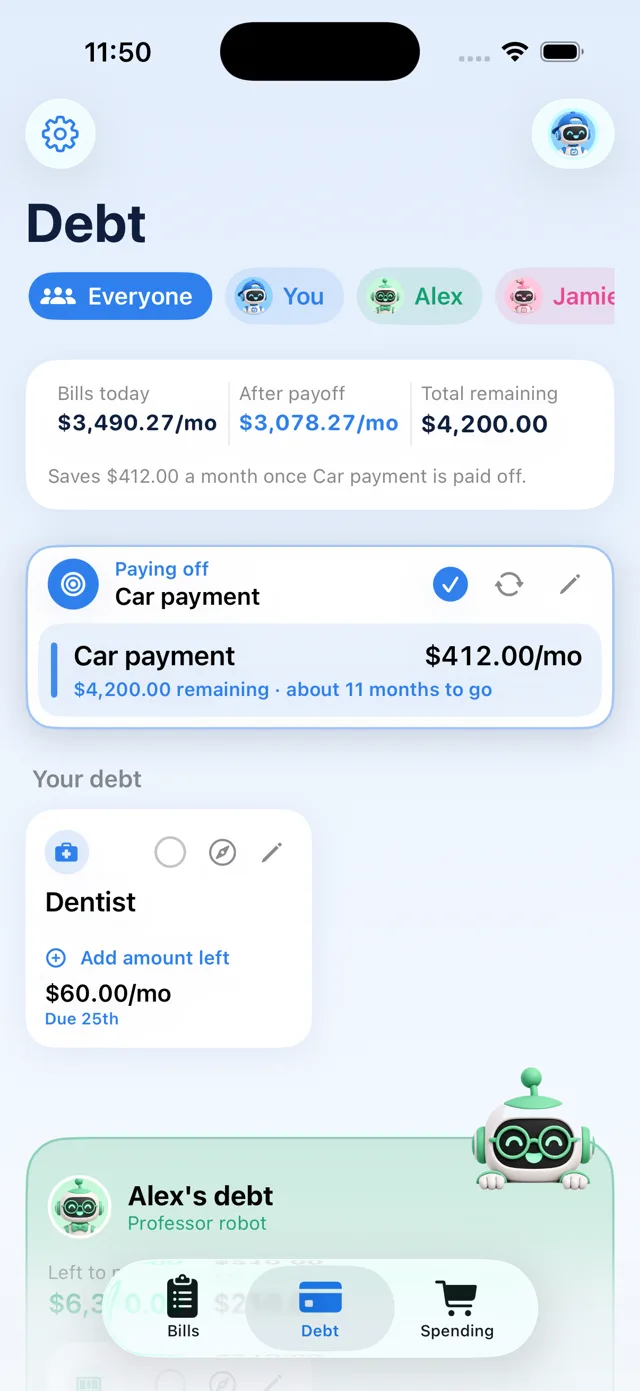
A payoff plan that works
Pick one debt to knock out. BillBot shows what's left, how many months to go, and what your bills drop to after.
Built for households
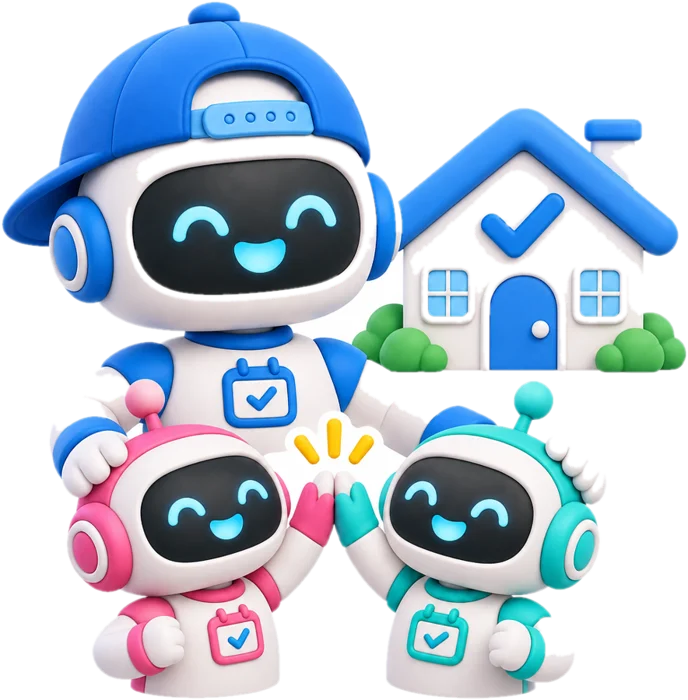
Share bills with your partner or kids. Everyone ticks the same list, and each person's debt shows in their own colour.
Household
Everyone's bills. Everyone's colour.
Rent and utilities belong to the house. Jamie's card is Jamie's. Alex's car loan is Alex's. Each person picks a robot, and their debt shows in their colours so nobody mixes them up. Private bills stay private.
One person buys Household. Everyone else joins free.
 Your debt$4,200 left · 11 months to go
 Jamie's debt$1,368 left · 2 cards
 Alex's debt$6,300 left · car loan
Not another budgeting app
Apps like Rocket Money, Monarch and Copilot track every transaction. BillBot does one job: get your bills paid on time.
 BillBot | Typical money apps | |
|---|---|---|
| What it costs | Free for 5 accounts, then $4.99 once | Monthly or yearly subscription |
| Connect your bank login | Never | Usually, to work fully |
| What it focuses on | Your bills, due dates and pay pages | Every transaction and a budget |
| Who pays the bill | You, always. BillBot never moves money | Some offer to act on your behalf |
| Household sharing | Shared list, each person in their own colour | Varies by app and plan |
| Setup | No BillBot account. About 2 minutes | Create an account, link accounts, categorise |
Comparison describes common features of subscription budgeting apps in general; individual apps and plans differ.
Make it your BillBot
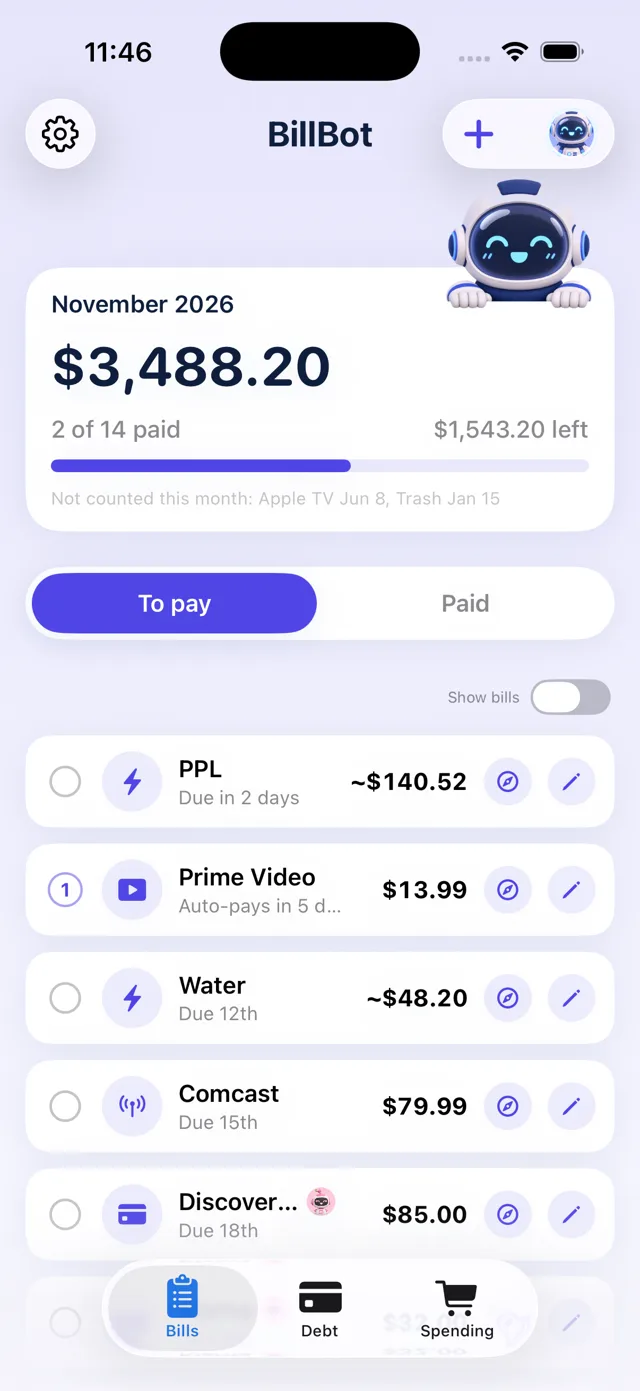
16 robots. Pick yours.
Each robot re-skins the whole app: colours, artwork, even the app icon. Classic is free. The rest are $1.99 each, with a free 7-day try.
















Pay once. That's it.
No subscription and no surprise renewals. Ever.
Free
$0
- Up to 5 accounts
- One-tap pay pages
- Due-date reminders
- Classic robot
Plus
$4.99 once
- Unlimited accounts
- Debt payoff plan
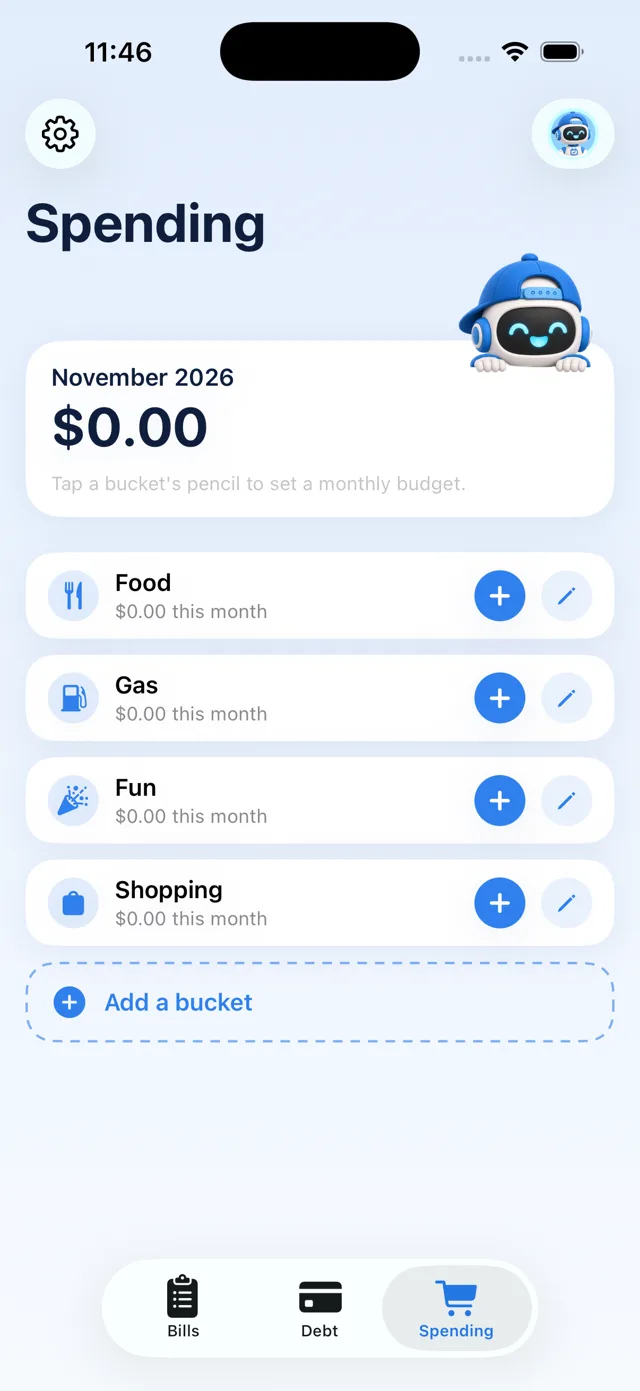
- Spending buckets
- Robot skins available
Household
$8.99 once
- Everything in Plus
- Share with your household
- Everyone's debt in their colour
- Others join free
Robot skins are optional, $1.99 each, with a free 7-day try.
Private by design

Your bills, your phone
No BillBot account and no BillBot servers. Bills sync only through your own iCloud.

Logins stay with Apple
Your passwords live in iOS Passwords. Face ID fills them on the pay page. BillBot never sees them.
Never moves money
BillBot opens the pay page and you press Pay. Nothing happens behind your back.
Get your bills under control.
BillBot is coming soon to the App Store for iPhone.
Tell me when it launches